Posture and Platform
SYS 214 - Principles of HCI
agenda
Coming up on PHCI:
- Wednesday: Prototype 1 Workshop
- Nov 10: Prototype 1 Deliverable
Today:
- Define application postures
- Understand how the application posture relates to design
Prototype workshop
- Each team presents their prototype
- What is your main scenario for use?
- What principles are driving you?
- What parts are your prototyping, and why?
- Teams will pair up to test prototypes
- Take notes on what is happening during interaction
- Give feedback on interaction
- Give feedback on principles
- Ask questions!
Platform
- Platform
-
The combination of hardware and software that enables the product to function
Choosing a platform
- Business constraints
- Objectives
- Technology
- Capability
In addition the platform should be chosen to support the behavioral stance or posture of the application
posture
The term was coined by Alan Cooper
A behavioral stance
An application's posture is a way of presenting itself to the user
- There can be a dominant posture and a posture for individual features
Why is this important?
The look and behavior should reflect how it is used. The presentation impacts how the users relate to it
Desktop software / web apps
Three types of postures
- Sovereign
- Transient
- Daemonic
sovereign
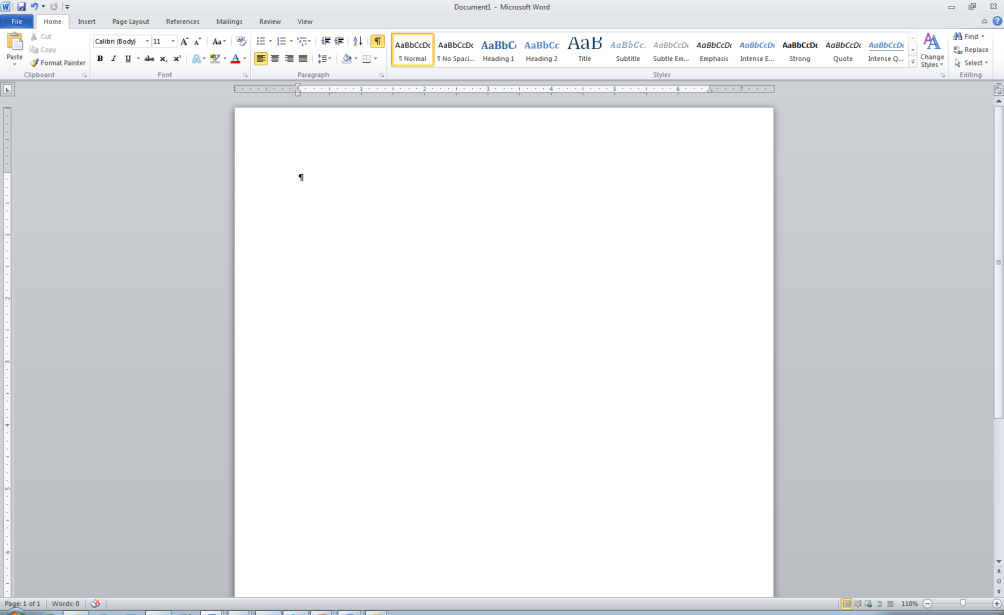
- Monopolize user's attention for a long stretch of time
- Large set of functions
- Examples: Power Point, Word processors, Spreadsheets, Email
- Target Users: Intermediaries
- Principles
- Optimize for full screen use
- Conservative visual style
- Rich visual feedback
- Maximize document views
sovereign
transient
|
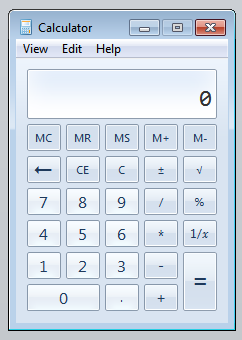 |
transient
|
|
Daemonic
- Quiet and normally invisible background applications
- Don't normally interact with the user
- Examples
- Printer Driver
- Network Connection
- By nature, the interactions are transient
web sites
Informational web sites Transactional web sites
Postures (may be determined by frequency of use)
- Sovereign web apps
- Transient
Note:
- With enterprise software, one user's transient app may be another user's sovereign web site
- Navigation becomes more important
postures - info web sites
Informational web site interaction is mostly searching and clicking
- Not a high amount of interaction
- Tension between Transient and Sovereign attributes
Question to ask:
- How often do the personas interact with the site?
- How dense is the information?
postures - transactional web sites
Examples:
- Online shopping
- Banking
- Investing Portal
Balance between Sovereign and Transient
- Consider the user's behavior patterns
- Online shoppers flip back and forth
- Navigational clarity
- Online shoppers flip back and forth
small group discussion
How might these three postures apply across the design of other platforms?
- Handhelds
- Kiosks
- TVs
- Microwaves
- Cars
- Cameras
- Washers
- Thermostats
- ...
summary
The scenario can help drive postures and platform
- User + Context
exercise
Pick a Sovereign, Transient, and Daemonic application.
Note how they present themselves differently.
Be prepared to share your selections with the class.